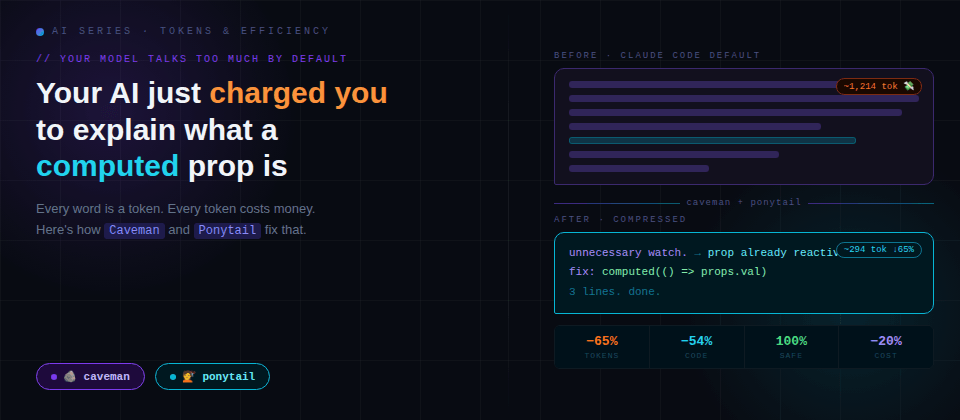
Welcome to this new post about one of the most costly and silent problems when working with AI. Has it happened to you that when you open Claude Code and ask it why your Vue component is doing an unnecessary watch every time you change a prop.
And it responds with a friendly introduction, a reminder that "there are several ways to approach this", two paragraphs explaining what reactivity in Vue is as if you'd never touched a ref() in your life, the real solution buried in paragraph four and as a spoiler: it was a three-line computed, and a closing line like "I hope this helped! 😊". These words seem very educational, but they also cost you money.
Every word the model writes is a token (They are the unit of measurement for everything: speed, price, and available context.) The harsh reality that many developers discover or pretend not to care too much about is this: AI models tend to talk too much by default.
This post is a small guide to understand why it happens, what consequences it has, and what tools like Caveman and Ponytail can help us and are changing that dynamic.
What are tokens and why should we care?
A token is the minimum unit a language model uses to process text. Approximately 4 characters in English equal 1 token; in Spanish it tends to be a bit more. Every request you make to an AI model and every response you receive consumes tokens.
If you use AI agents in English, you spend fewer tokens by default. Not because the model thinks better in English, but because the language is structurally more compact.
Token importance
- Cost. AI models charge per token consumed. More generated text = more money spent. In large projects or automated pipelines, that scales too fast.
- Speed. Generating fewer tokens is, physically, faster. A 100-token response arrives before a 1.5K one.
- Context window. Models have a limit on how much they "remember" within a conversation. If the agent generates giant responses, the window fills up much sooner, you lose previous context and it starts making mistakes or forgetting instructions.
The reality of AI agents in 2026
Working with AI agents for software development has real and proven benefits. But it also has flaws that the industry usually doesn't mention in their demos:
What works well
- Boilerplate and repetitive code generation
- Refactoring of known functions
- Bug hunting when the context is clear
- Initial documentation of existing code
What fails more than expected
- "Invents" APIs, methods, or libraries that don't exist (hallucinations)
- Over-builds: you ask for a date picker, it installs a 200KB library
- Generates correct code but with 5x more lines than necessary
- Long contexts degrade the quality of responses
Two tools that attack the problem from different angles
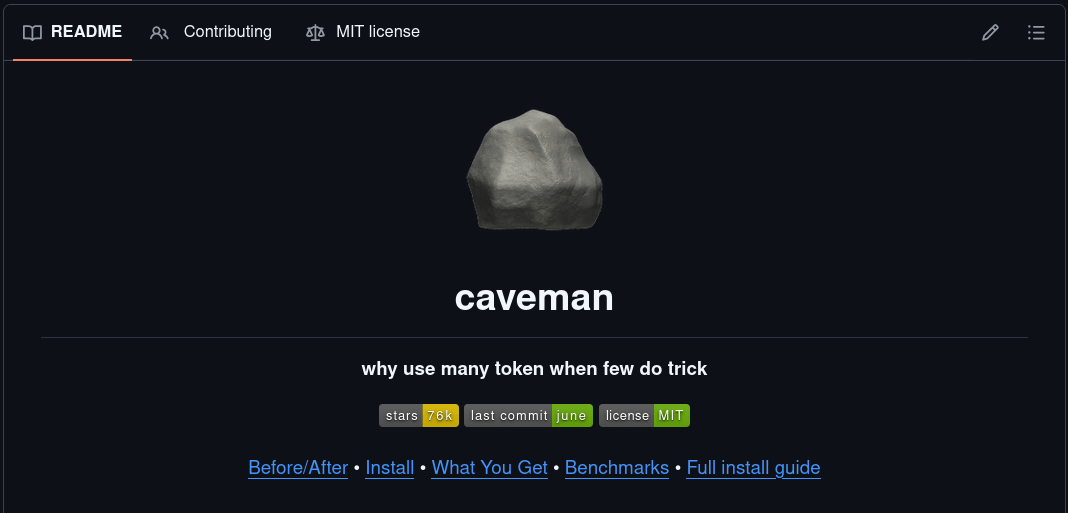
🪨 Caveman "Why use many tokens when few do the trick?"
Caveman is a skill/plugin for AI agents (Claude Code, Codex, Cursor, Copilot and 30+ additional agents) that instructs the model to communicate telegraphically, eliminating verbal filler without sacrificing technical precision, it's like talking to a caveman. Check out this example.
Instead of:
"The reason your Vue component is triggering an unnecessary watch is likely because you're passing a reactive object as a prop and the watcher is tracking the entire reference instead of the specific value you care about..." (46 tokens)
With Caveman:
"Watch tracks full ref. Use
computed(() => props.val)instead." (16 tokens)
Same solution. 75% fewer words.
Caveman includes compression levels also known as modes: (lite, full, ultra, wenyan) and additional tools like /caveman-compress to rewrite agent memory files (like CLAUDE.md) in compact format, saving tokens in every future session.
🐴 Ponytail "The laziest senior developer in the room"
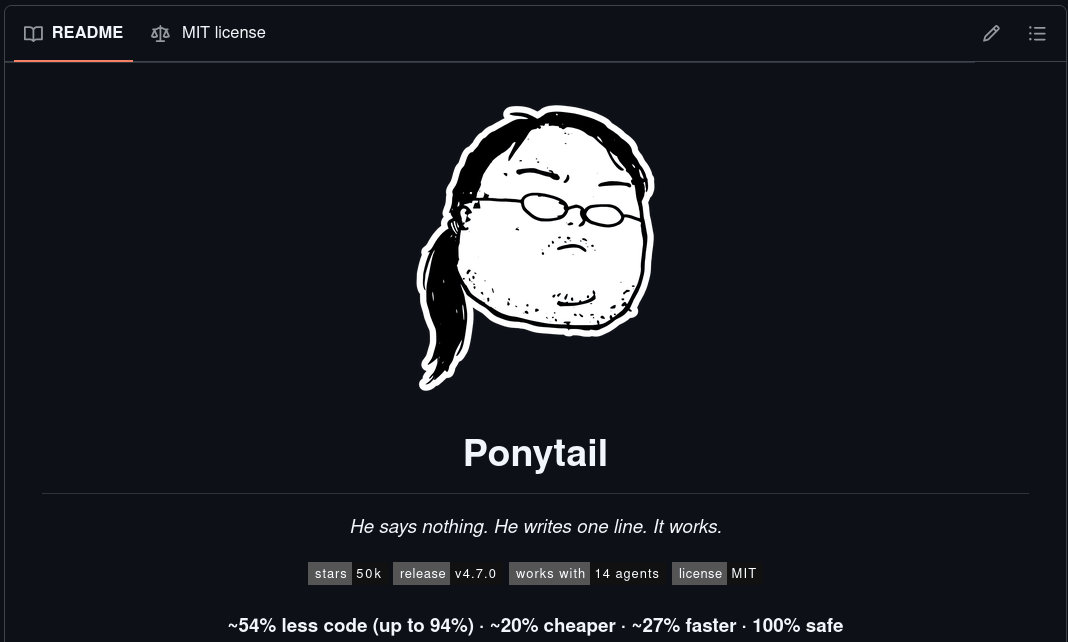
Ponytail attacks a different but related problem: the agent doesn't just talk too much, it also writes too much code.
Its flow is simple: before writing any line, the agent must go through a decision ladder:
1. Does this need to exist?           → no: don't even write it (YAGNI)
2. Does the stdlib do it?             → use it
3. Does the browser/platform have it? → use it
4. Is there an installed dependency?  → use it
5. Does it fit in one line?           → one line
6. Only then: the minimum that works
The result on a real task with Claude Code on a Vue component with a search filter: 79% fewer generated lines of code, no external dependencies, no unnecessary lifecycle composables, maintaining 100% reactivity and expected behavior.
The difference from simply asking it to "be concise": Ponytail explicitly preserves security, accessibility, and error handling. It's not code golfing, it's responsible minimal engineering.
Real advantages and disadvantages
Advantages
- Cost reduction: Fewer output tokens = lower bills or better token management. In teams that use agents intensively, the savings are significant.
- Faster responses. Generation time is proportional to the number of tokens.
- Greater context persistence. By generating less per response, the agent retains and manages useful memory for longer within a session.
- More maintainable code.
Ponytailtends to produce simpler solutions, which are inherently easier to read and modify. - Fewer unnecessary libraries. The agent stops installing third-party libraries for tasks the browser already solves with a native line.
Disadvantages and Limitations
- It's not magic. These tools work by instructing the model via prompts/skills. Reasoning models that invest tokens "thinking" (like GPT-5.5 or Claude with extended thinking) may not reduce costs or may even increase them in specific cases.
Cavemanmay lose nuance. In complex topics where detailed explanation has value (architecture, design trade-offs), forcing brevity may omit important context.Ponytaildoesn't eliminate hallucinations. It reduces unnecessary code, but doesn't solve the problem of the model sometimes inventing APIs or methods that don't exist. That requires other strategies (RAG, explicit context, tool-based verification).- They require agent compatibility. Although both tools support dozens of agents, the experience varies. Always-active instructions work better than session-activated ones.
- Adjustment curve. In projects where the agent needs to explain decisions to the team or generate detailed documentation, caveman mode may conflict with those objectives.
Practical tips (Beyond the tools)
Even without installing anything, there are adjustments you can make today:
- Be specific in your prompts. "Refactor this function" generates more tokens than "Extract the validation logic from this function to a private method, without changing the external behavior." The vaguer the instruction, the more extensive and imprecise the response.
- Give the agent the exact context, not the maximum. Pasting 500 lines of code when the bug is in 20 fills the context unnecessarily. The agent tries to "help" with everything it sees.
- Set explicit constraints. "Respond in 3 lines or less" or "Just give me the code, no explanation" are instructions the model respects well.
- Prefer native tools. Before asking the agent to install something, first ask it if the language or framework already solves it. Prevent the agent from taking that path on its own.
- Review the diff, not the full file. Agents tend to rewrite more than necessary when the full file is in context. Work with fragments when possible.
Conclusion: The ideal agent talks little and writes only what's necessary
The conversation about AI in software development almost always revolves around capabilities: what the agent can do. But teams that use it quickly learn that what matters is how it does it, how much context it consumes, how much extra code it generates, how direct the response is.
Tools like Caveman and Ponytail represent a pragmatic response to that reality. They are not perfect solutions nor do they replace each developer's judgment, but they attack real problems with concrete approaches and measurable results.
In future posts we'll dive deeper into each one separately: how to install them, specific use cases, and how to combine them for different workflows.
For now, the question I leave you with is:
Is your AI agent working for you, or are you paying for it to prepare a speech?