In this article, I will document how I resolved a critical error on Arch Linux where the system failed to generate initramfs images due to a corrupted mkinitcpio.conf file. In simpler terms, GRUB was not functioning correctly to proceed with system initialization after a faulty dependency upgrade.
The main error was:
error: fs/fshelp.c:find_file:266: file '/initramfs-linux.img' not found
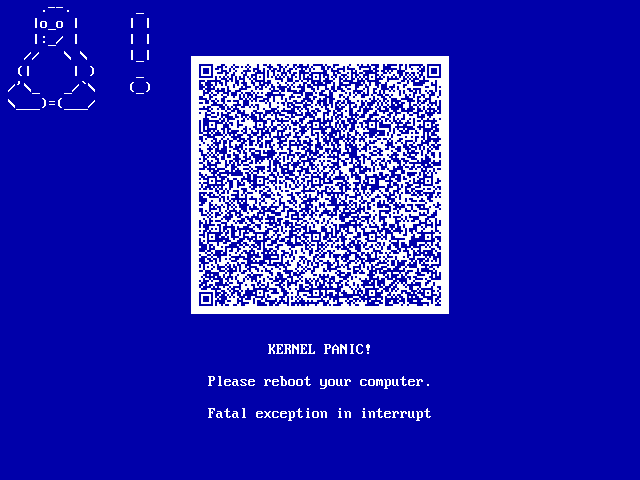
and then KERNEL PANIC!
Cause of the problem
After attempting to upgrade dependencies, for some reason (installation interruption, package corruption, or incomplete configuration), the essential file:
/etc/mkinitcpio.conf
It was damaged/modified in the system, which made it impossible to generate an initramfs.
Step by step solution
- Enter the chroot correctly
First, we mount and access the system we have installed on our disk from a live iso
NOTE: You must to download and access from a live ISO
mount /dev/sdXn /mnt
mount -t proc /proc /mnt/proc
mount --rbind /sys /mnt/sys
mount --rbind /dev /mnt/dev

arch-chroot /mnt
- Manually create or edit
/etc/mkinitcpio.conf
nano /etc/mkinitcpio.conf
And I added this content (the official default Arch file):
MODULES=()
BINARIES=()
FILES=()

HOOKS=(base udev autodetect microcode modconf kms keyboard keymap consolefont block filesystems fsck)

COMPRESSION="zstd"
COMPRESSION_OPTIONS=()

MODULES_DECOMPRESS="no"
- Regenerate the initramfs
mkinitcpio -P
result
Initcpio image generation successful
This confirms that the system already has a valid initramfs-linux.img.
- Regenerate GRUB
grub-mkconfig -o /boot/grub/grub.cfg
finally
exit
umount -R /mnt
reboot
And the system started up without problems.
Conclusion
The error “failed to read configuration etc/mkinitcpio.conf” usually indicates that the mkinitcpio configuration file is missing or corrupted.
The solution involves:
- Manually creating a valid file
- Regenerating the initramfs
- Updating GRUB
Documenting this helped me better understand how the boot process works in Arch Linux and how to handle emergencies from a Live ISO.
GRUB = Bootloader.
initramfs = Initial toolkit.
GRUB doesn't create, it only loads the initramfs. The initramfs allows the kernel to find the disk and mount the actual system.
Without a proper initramfs → no boot.
It has been a pleasure to share this experience with you, see you next time!!. :)